Inventory
Every asset. One source of truth.
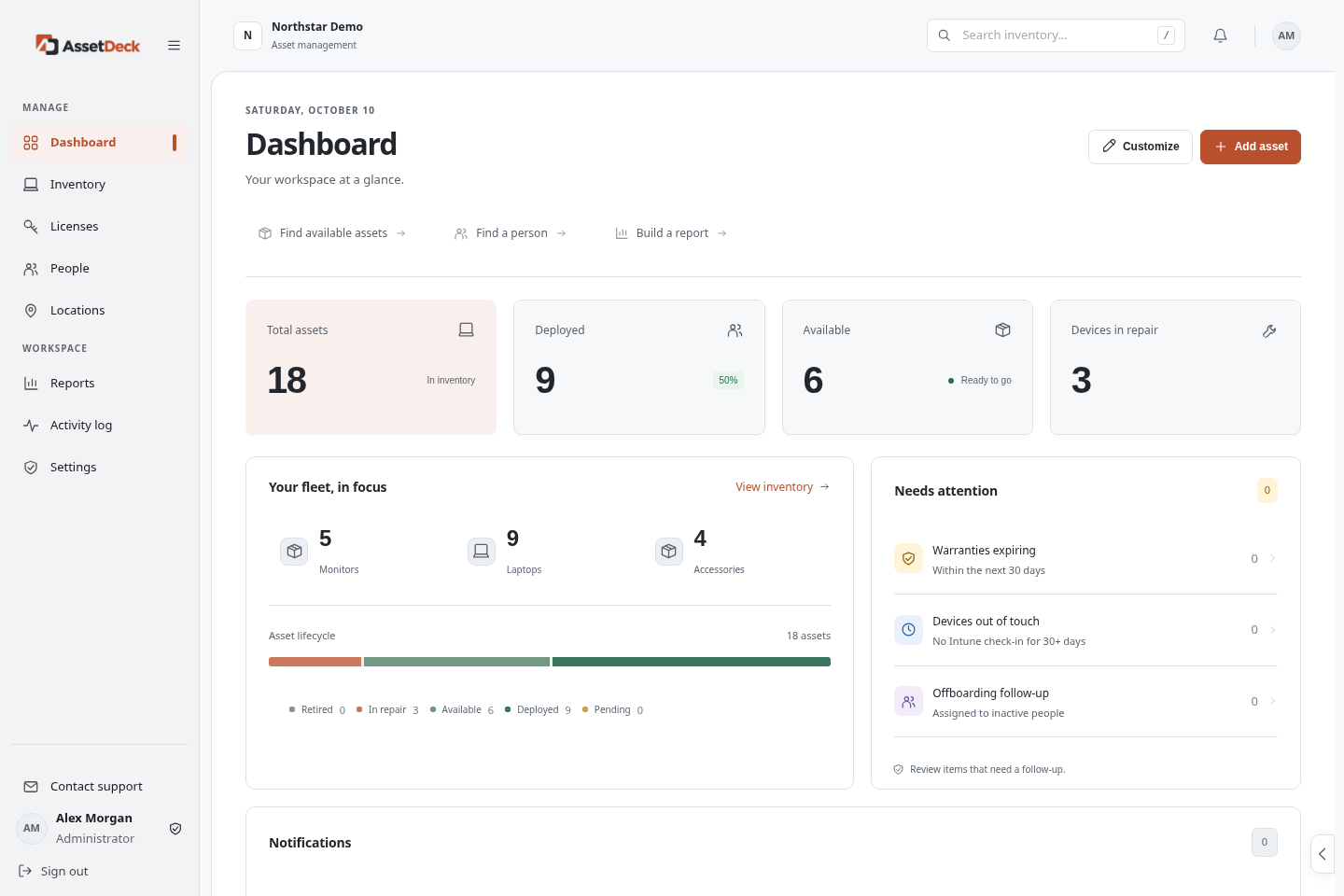
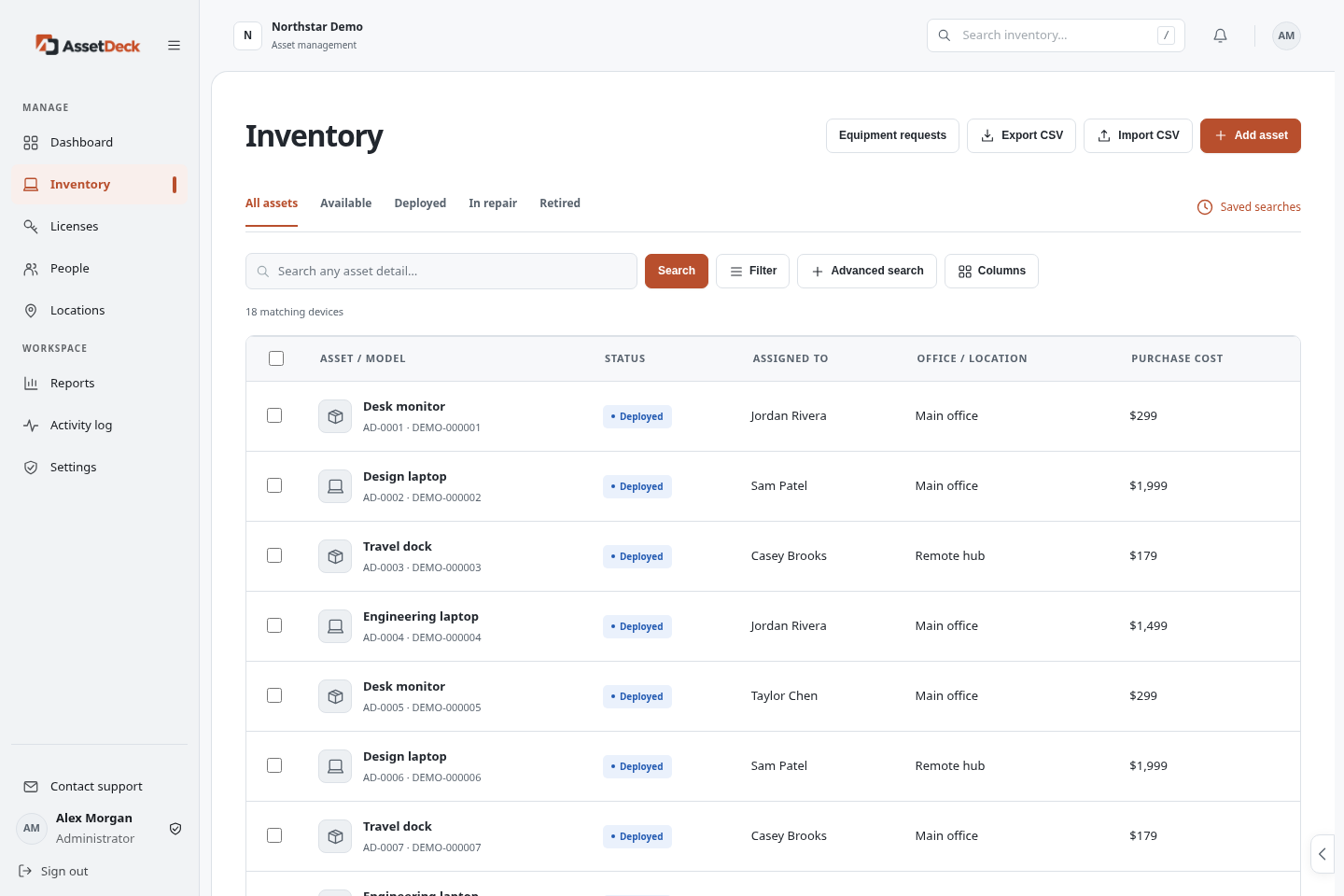
Find every asset, its status, location and owner in one searchable inventory. Replace scattered records with clarity.

Know what you have. See who has it.
Keep hardware, people, and software licenses in one clear workspace.
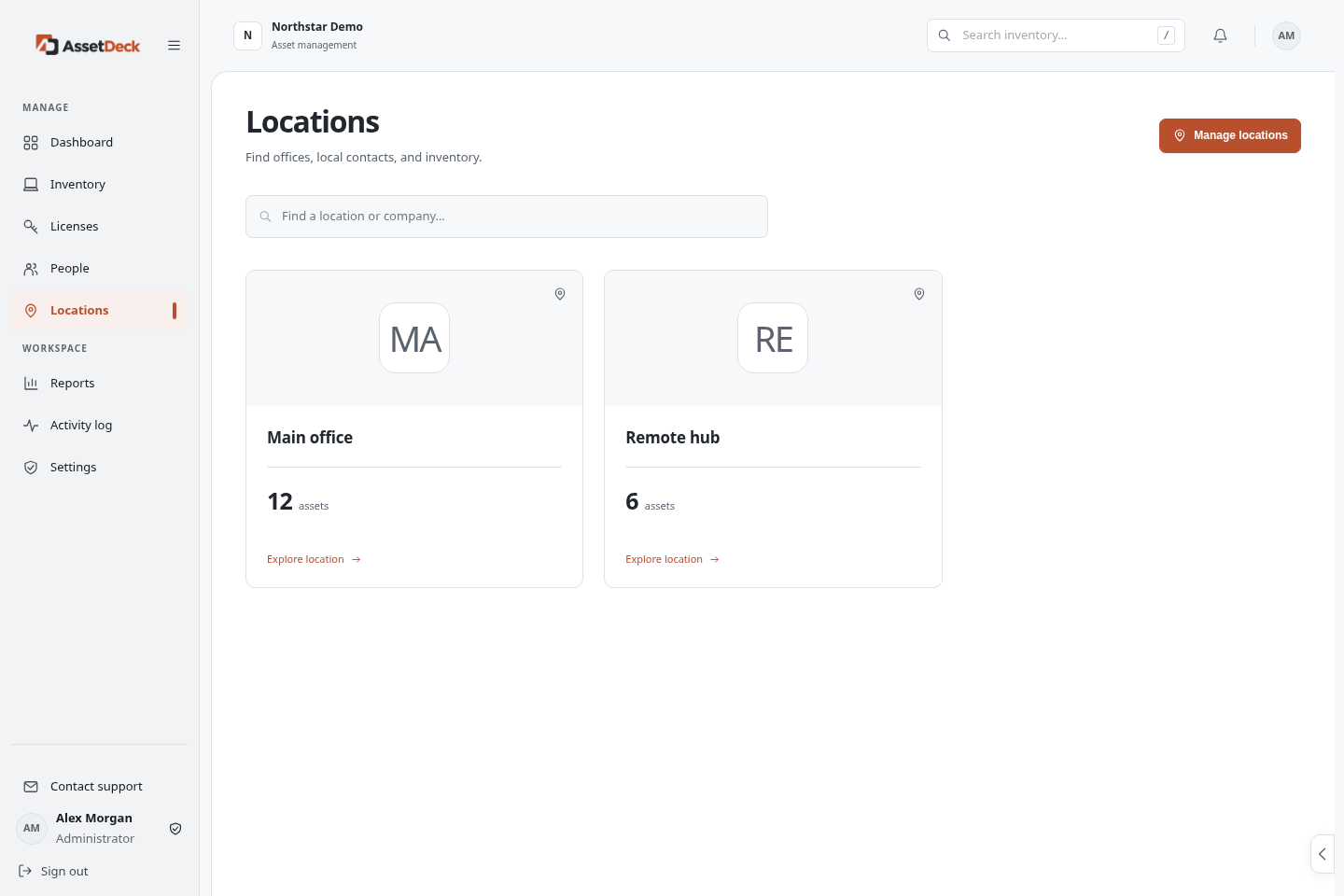
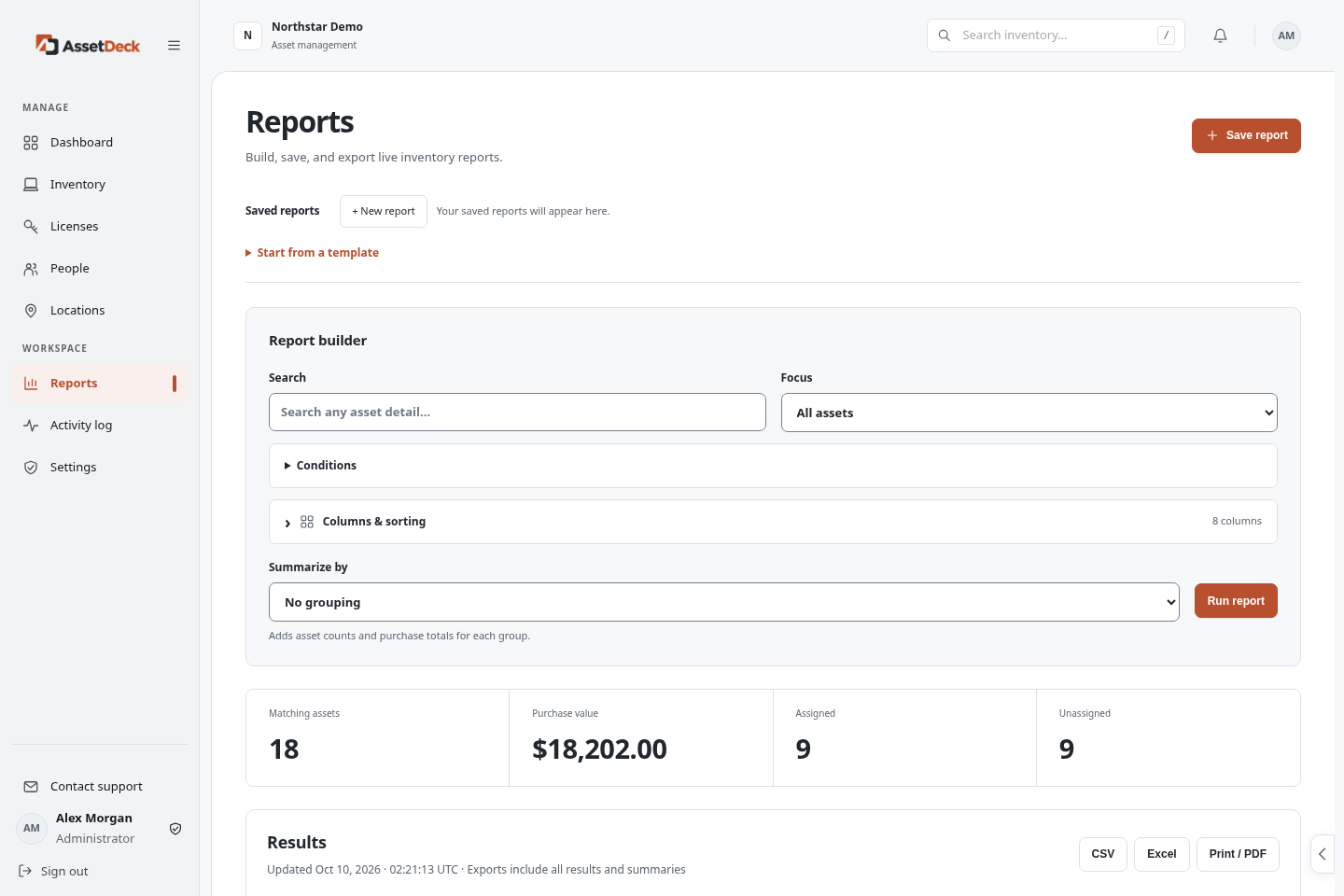
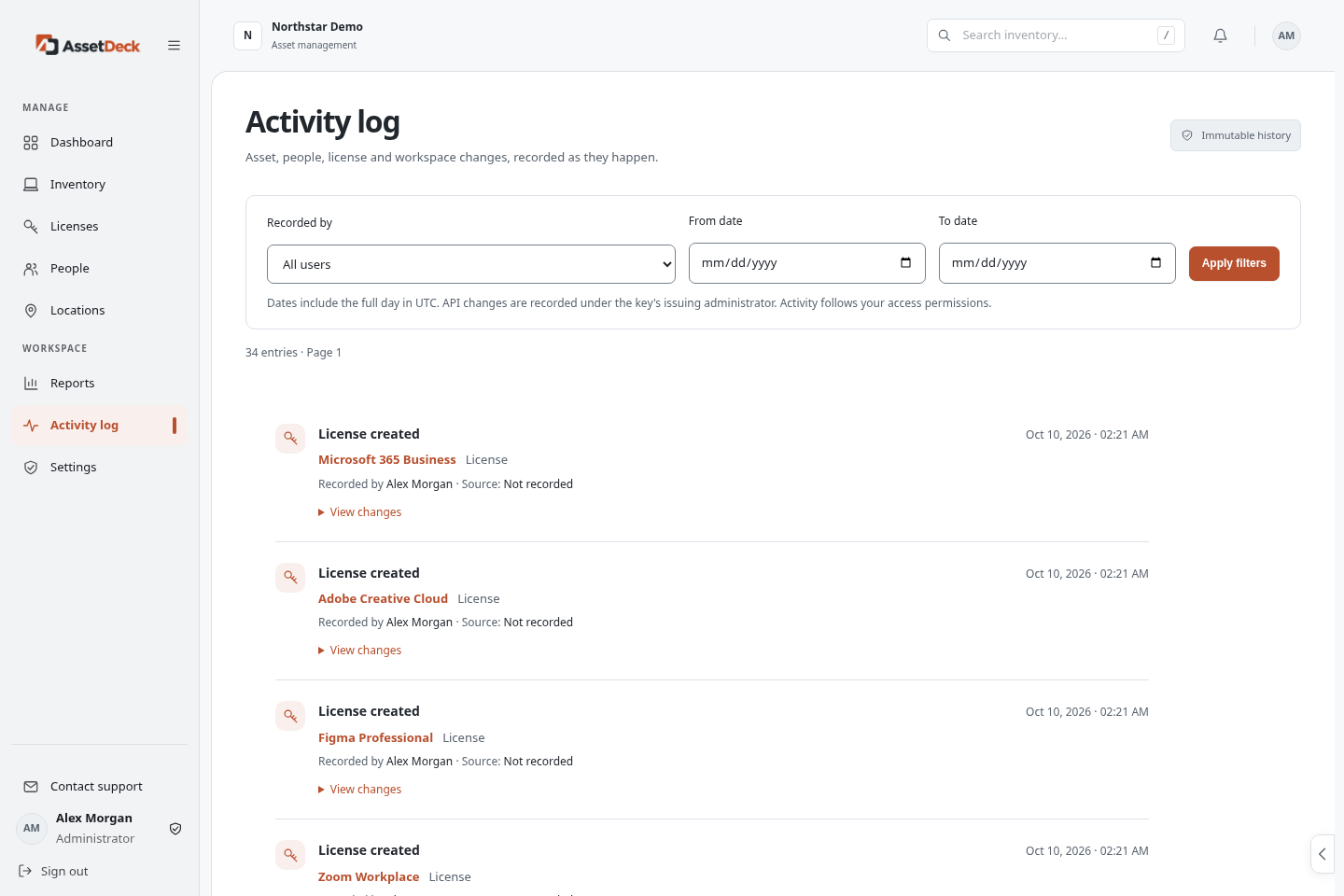
From the laptop on a desk to the license behind a login,
bring your everyday IT work together.
Find every asset, its status, location and owner in one searchable inventory. Replace scattered records with clarity.
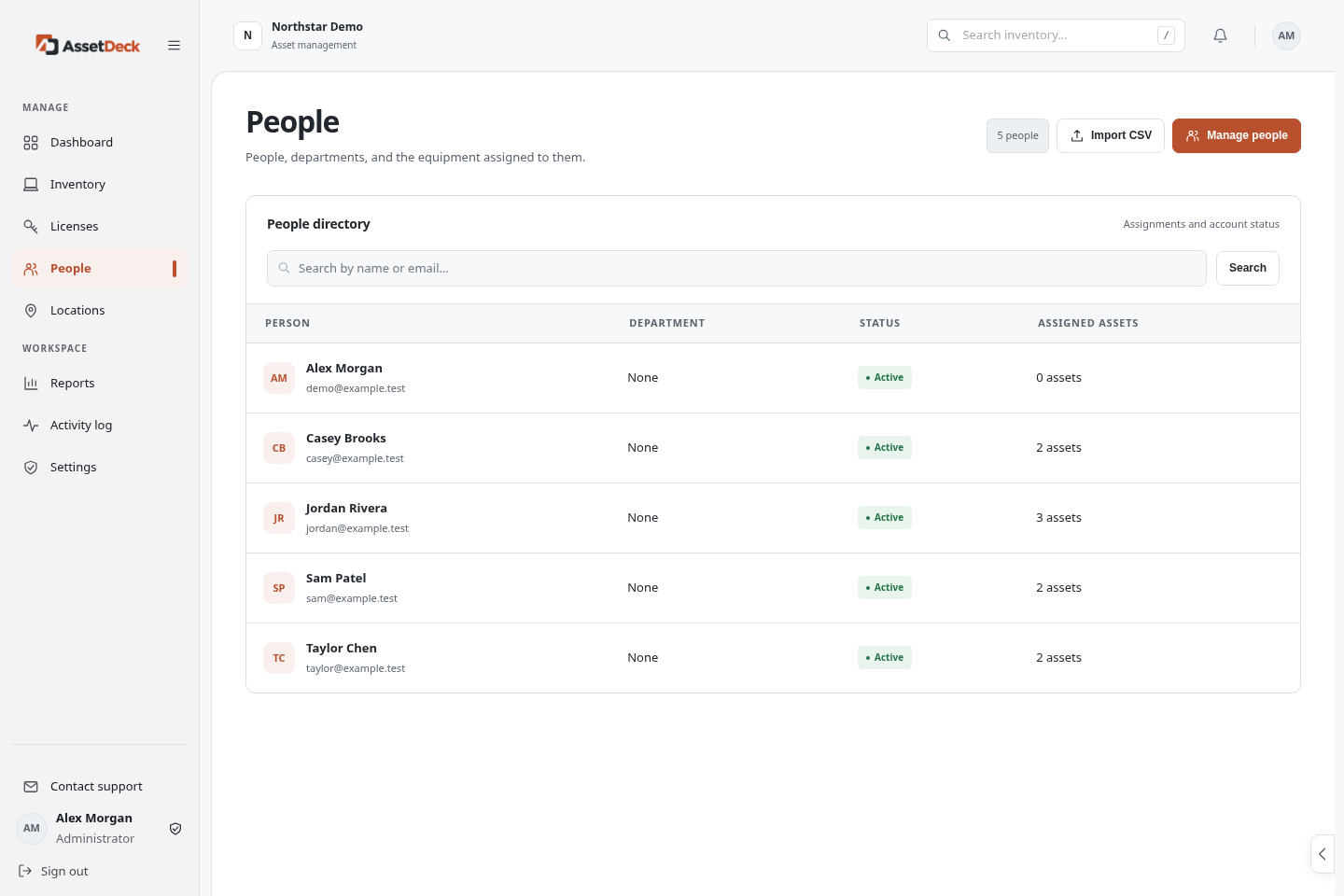
Know who has every device. Keep checkouts, returns and handover notes together for confident onboarding and offboarding.
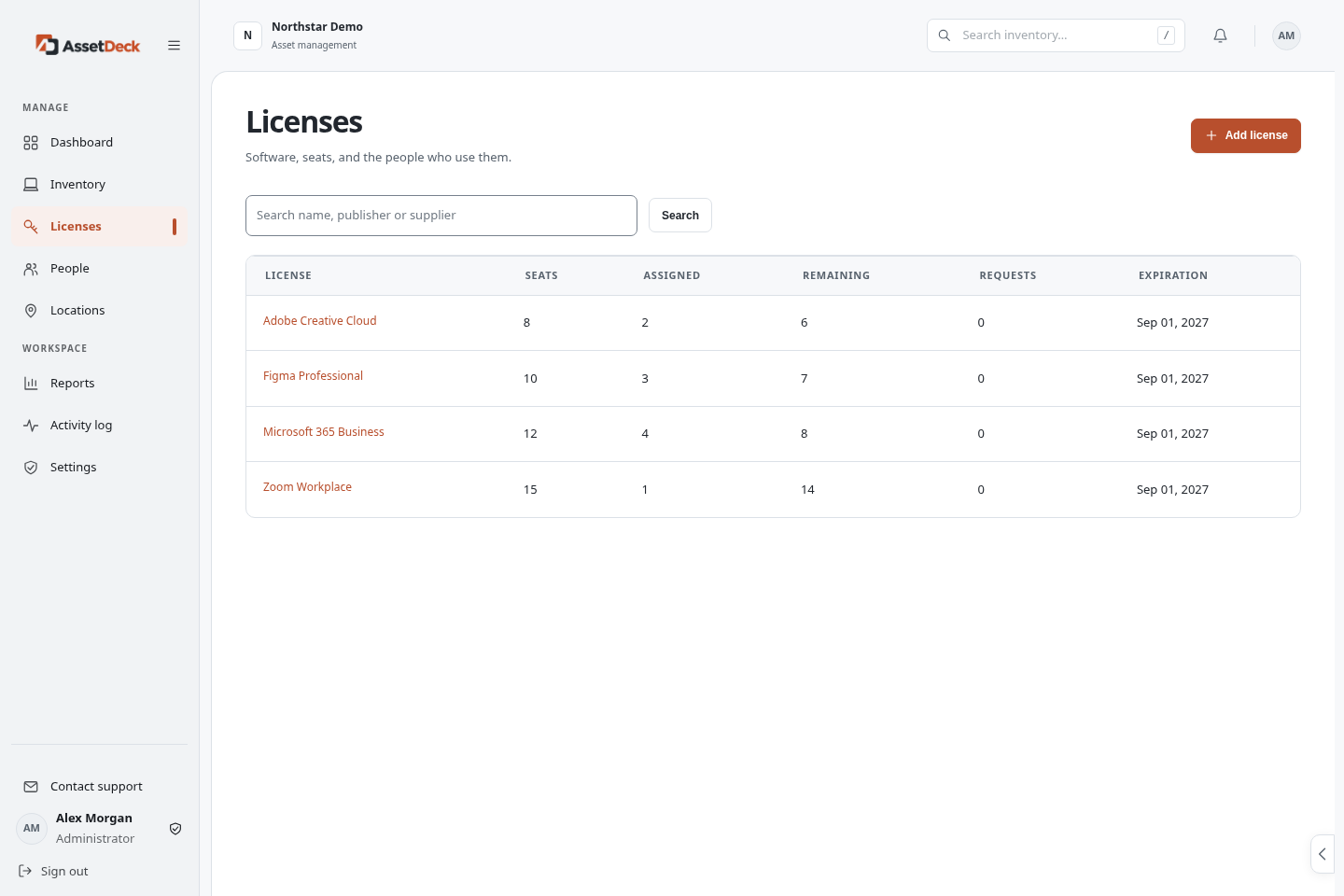
Track software seats, assign licenses, handle requests, and keep license keys protected.
Build reports, filter the details that matter, and export information for your next review.
Attach supporting documents and images to assets so the details are there when you need them.
Use built-in or custom roles, an employee portal, and supported single sign-on to control access.
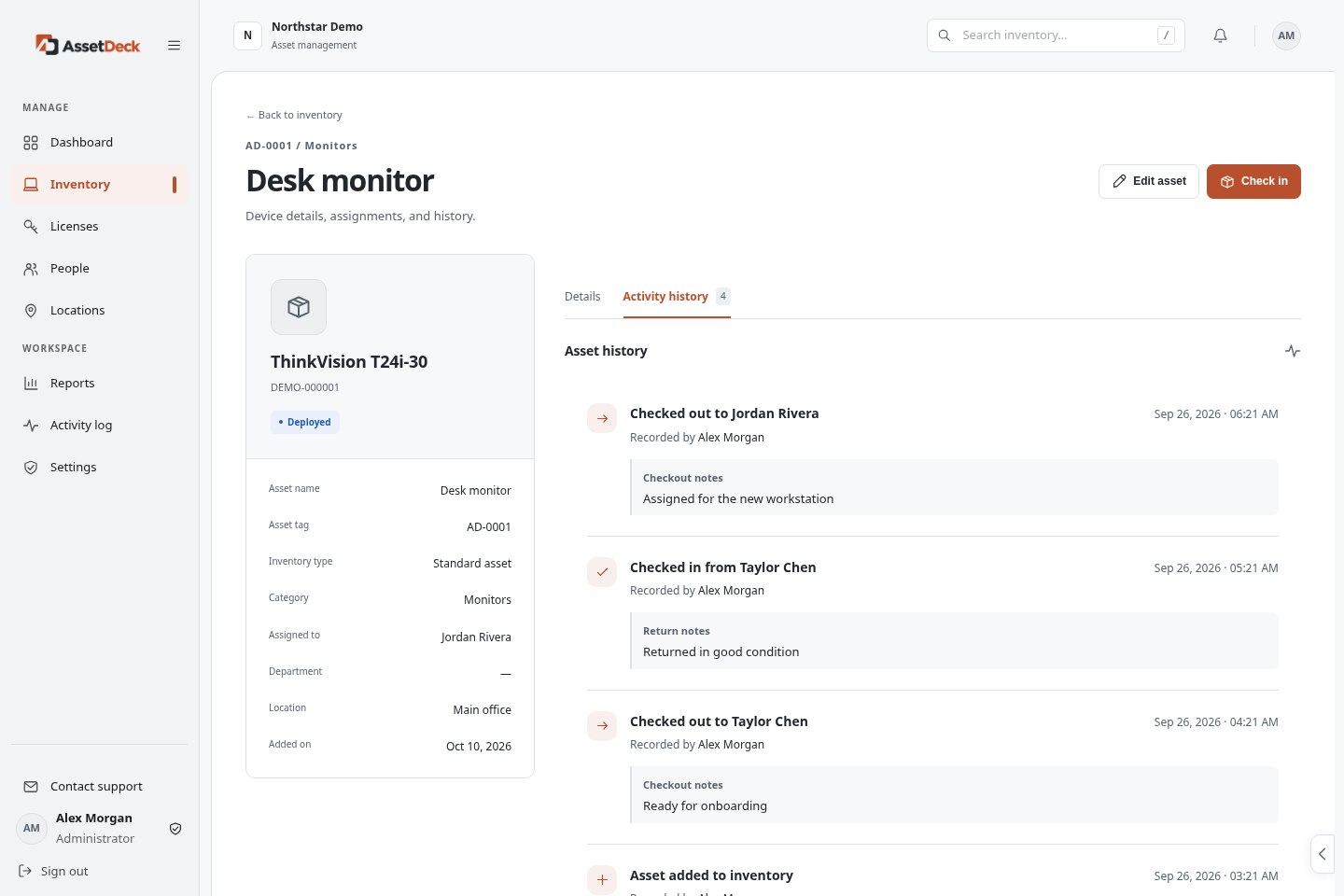
Assignments, locations, supporting files, and history live together. Give your team a clear answer without chasing another spreadsheet.
A few clear steps from scattered records to a shared source of truth.
Register, verify your email, and choose your company’s workspace address.
Add equipment, import with our CSV template, or connect supported Microsoft data.
Assign equipment, invite colleagues, and give everyone the access they need.
Every plan includes all available integrations and unlimited users.
Pick your asset and storage capacity.
A clear home for your IT inventory.
$999 billed annually
Save 15.9% compared with monthly billing
More room for a growing fleet.
$2,099 billed annually
Save 12.1% compared with monthly billing
Your workspace. Your own database.
$5,388 billed annually, starting price
Save 10% compared with monthly billing
Start with seven days of Business capacity: 2,500 active assets and 5 GB of file storage. No card is required to create your trial. Choose a paid plan in your workspace when you’re ready.
Your workspace data stays saved. Workspace access and integrations pause until you subscribe. Sign in to choose a plan, contact support, or export inventory if your role allows it. Trial expiration does not automatically delete your data.
Yes. Every plan includes the available Microsoft Intune and Entra connectors, workspace-scoped API access, Microsoft sign-in, and supported SAML single sign-on. You’ll need the relevant provider account, permissions, and setup.
No. Plans are based on active asset and file-storage capacity, not the number of employees using your workspace.
Active assets count toward the allowance. Archived assets do not. Restoring an archived asset uses capacity again. Licenses and people are separate records.
Start with a seven-day trial. Bring your team, your assets, and a little less busywork.